SnapLog AI
Turn photos of your home health devices into a clear log—readings, history, and trends for personal wellness tracking.


About the app
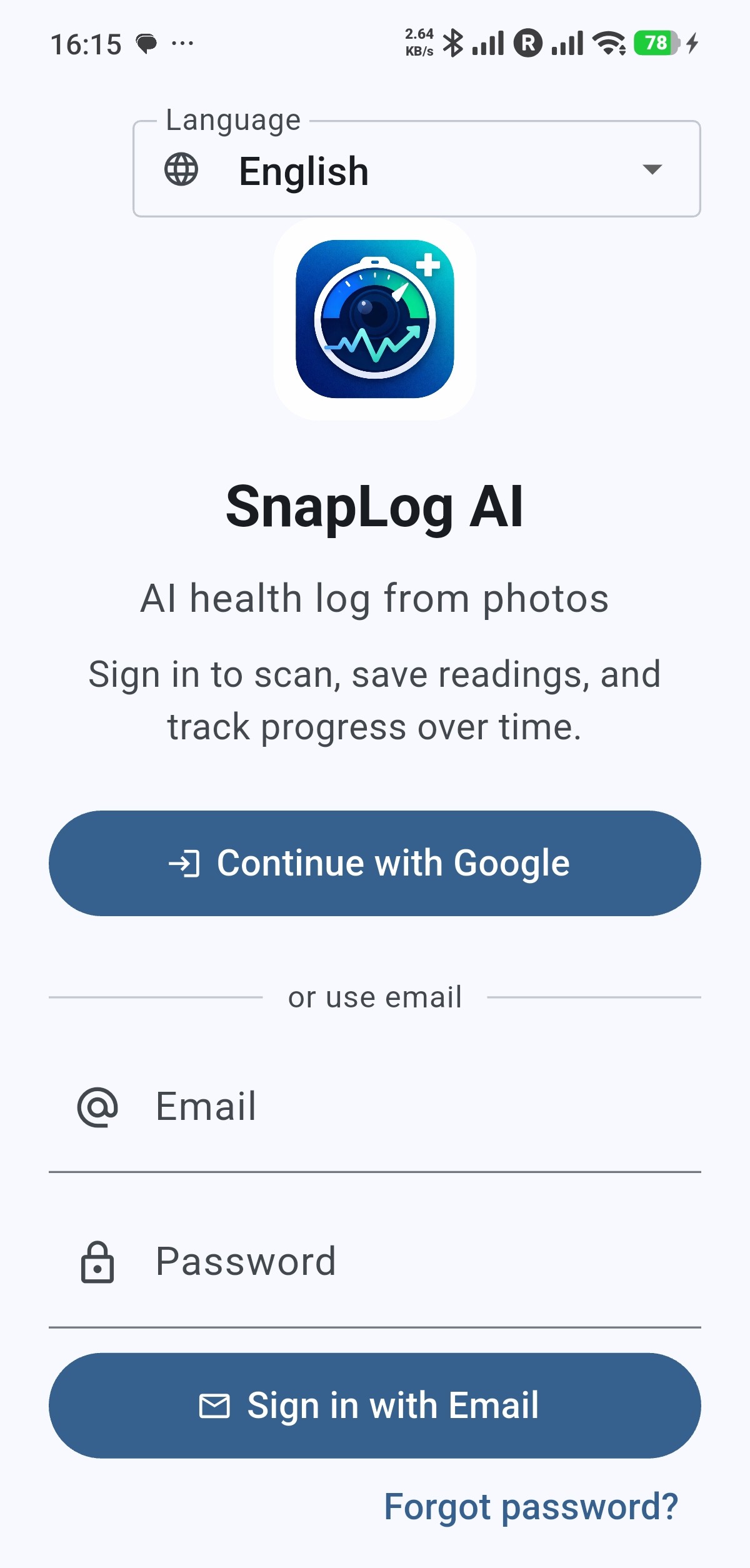
SnapLog AI is a mobile app built with Flutter. It helps you log health measurements from photos of device screens—such as blood pressure monitors, scales, glucose meters, and pulse oximeters. You capture readings on your device; cloud-backed AI helps extract values so you can save them, browse history, see trends, and optionally unlock Pro features. Sign-in, sync, and backend services use Firebase.
Important: SnapLog AI is for personal logging and organization. It does not provide medical advice, diagnosis, or treatment. Always talk to a qualified professional about health decisions.
Features
Everything you need to keep a consistent log from the devices you already use.
Photo capture
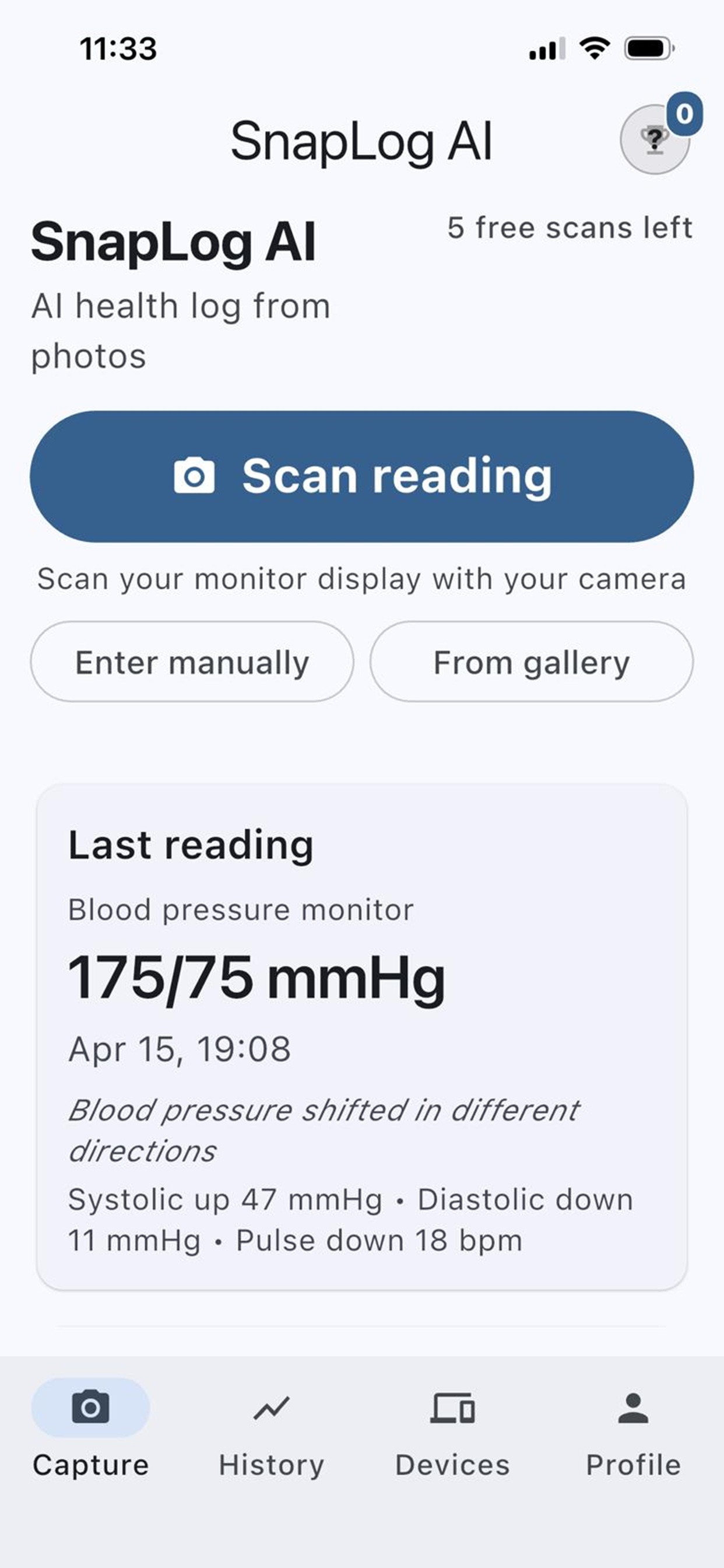
Photograph your meter or scale display—on-device capture keeps the workflow simple.
AI readout
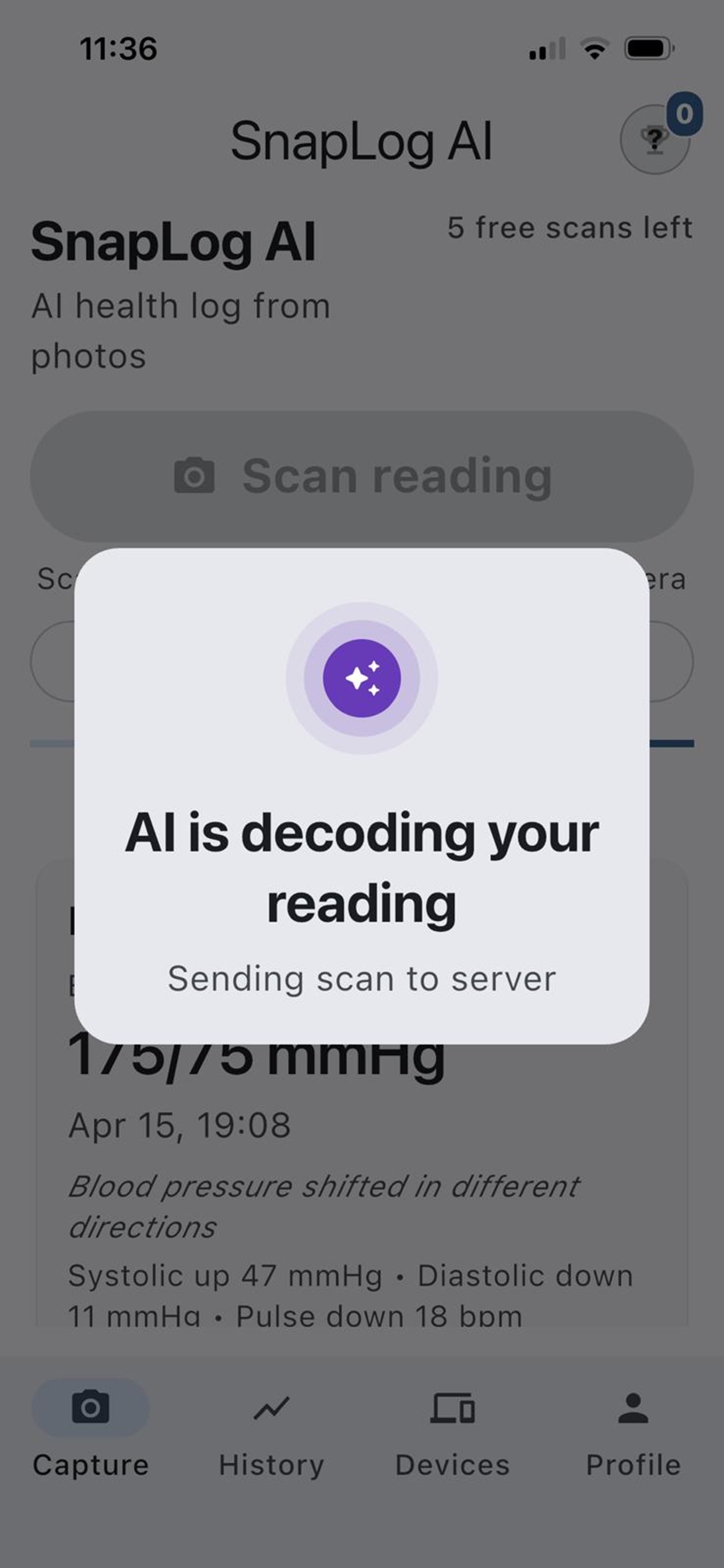
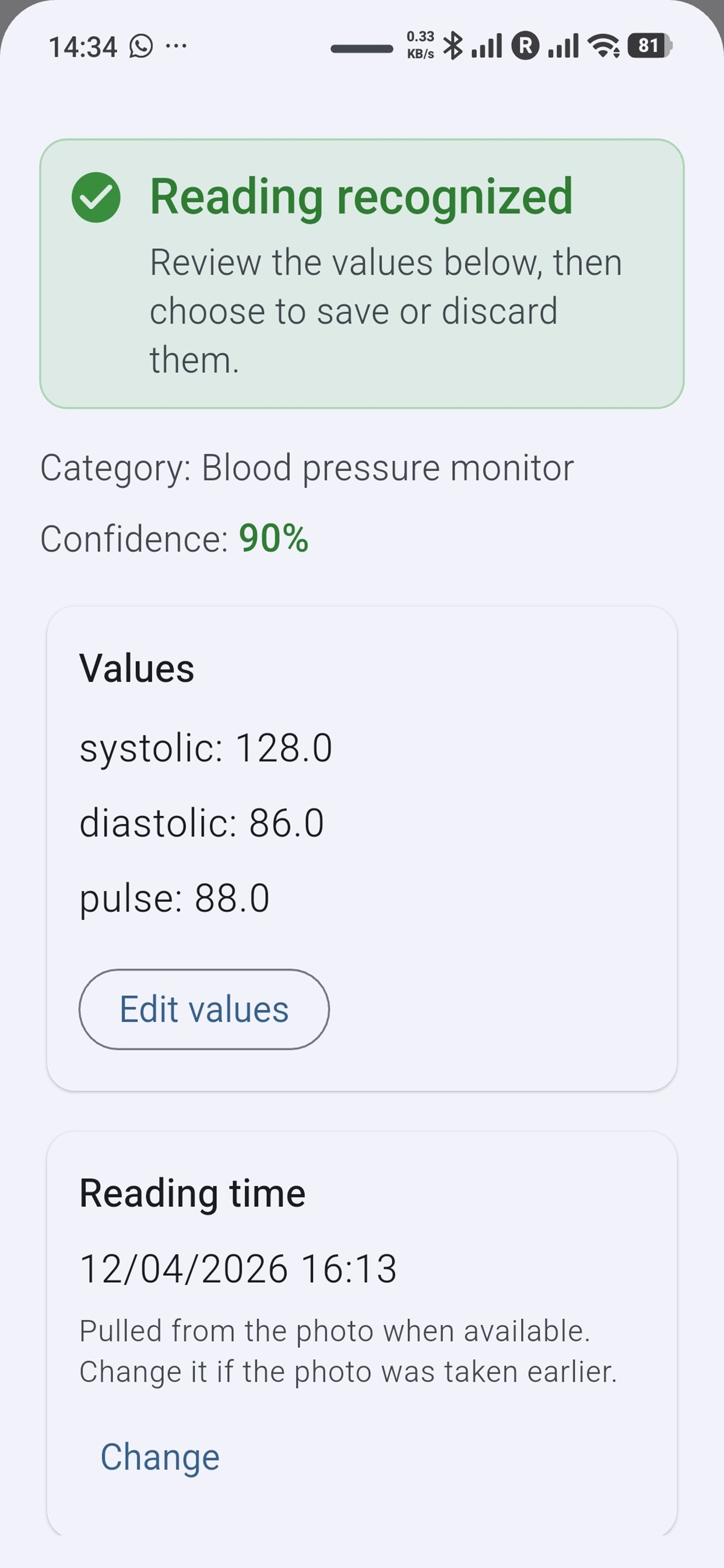
Cloud-backed AI reads values from your images so you spend less time typing.
Track over time
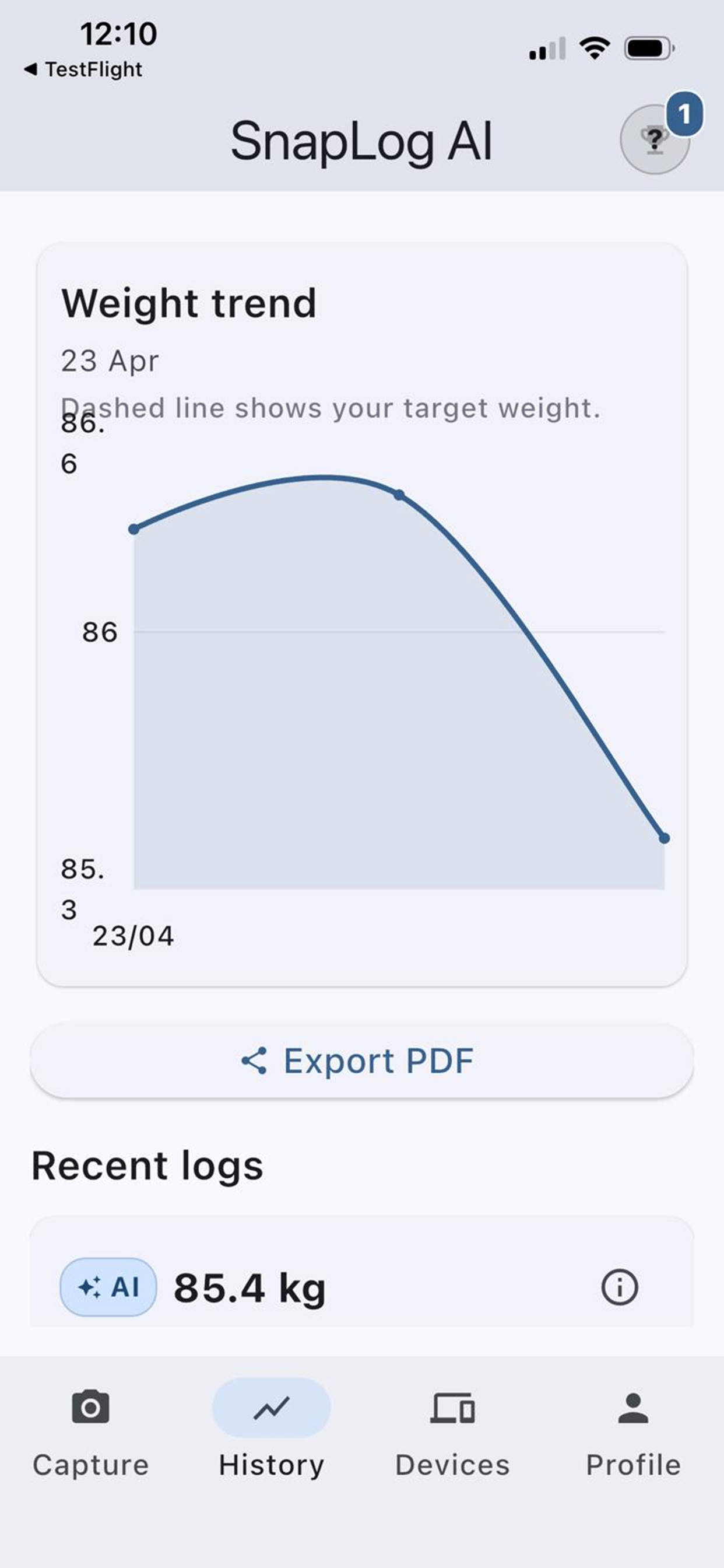
Review history and trends to see how readings change for personal wellness tracking only.
Many device types
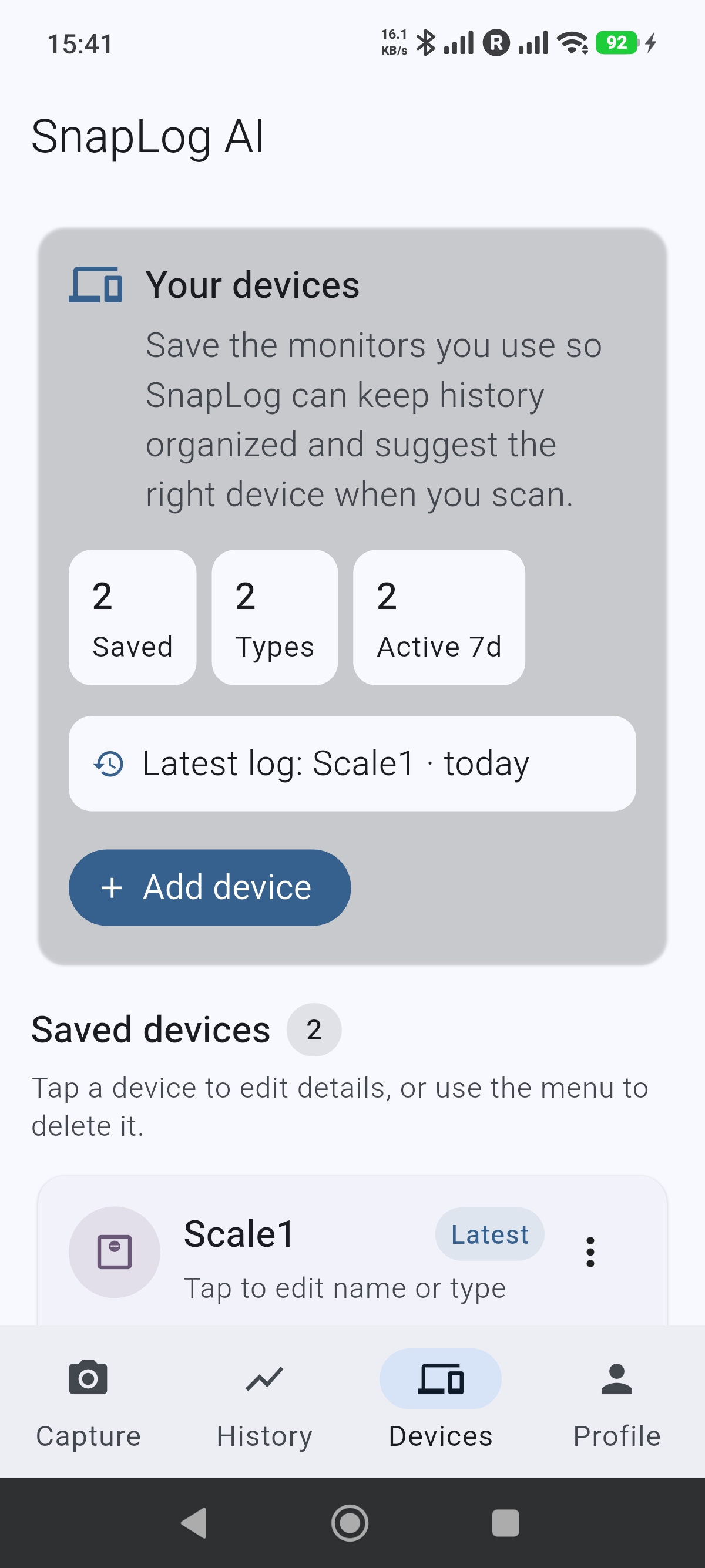
Works with common home devices like BP cuffs, scales, glucose meters, and pulse oximeters.
Cloud sync & account
Sign in and keep your log aligned across devices with Firebase-backed sync.
Privacy-minded
Designed for your personal data—see our Privacy Policy for how information is handled.
Screenshots
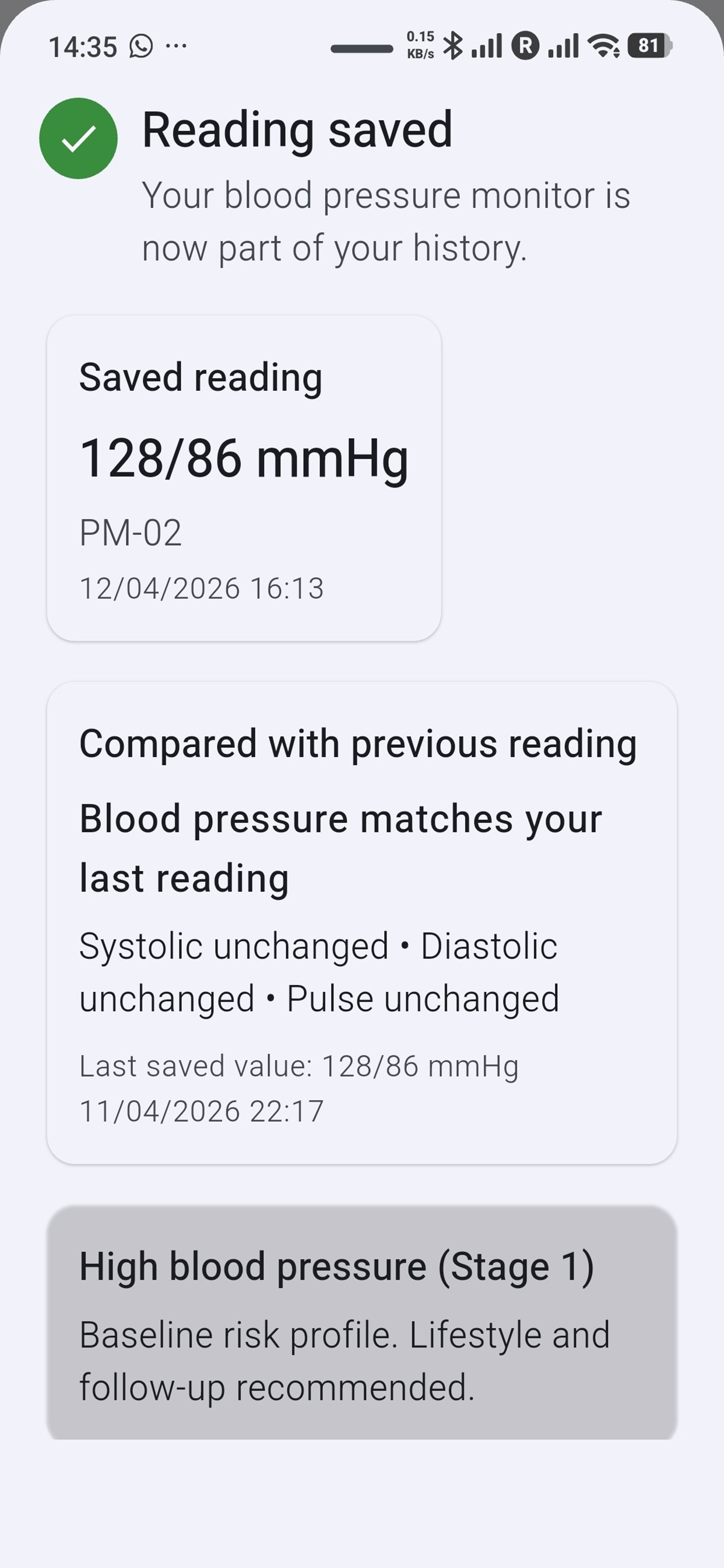
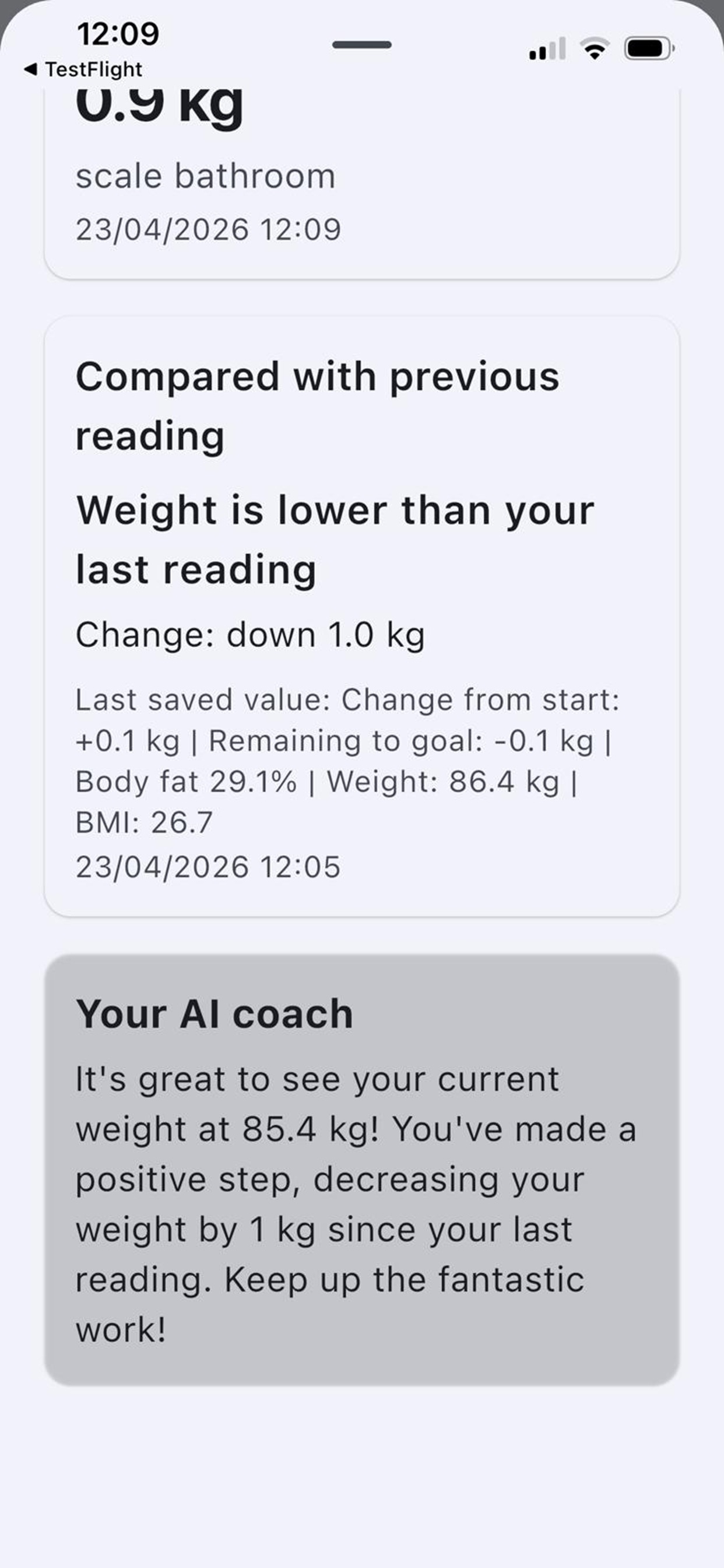
A quick look at the app experience.
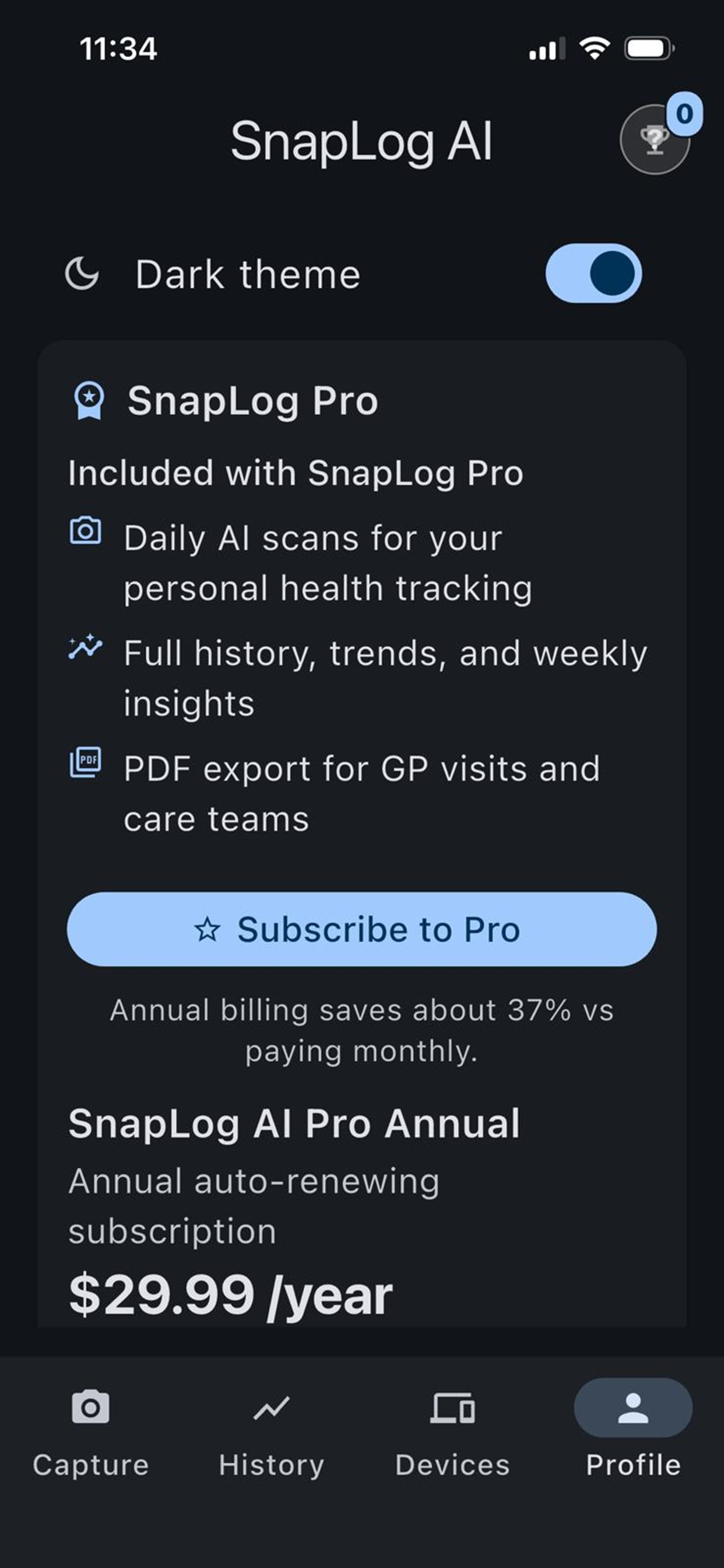
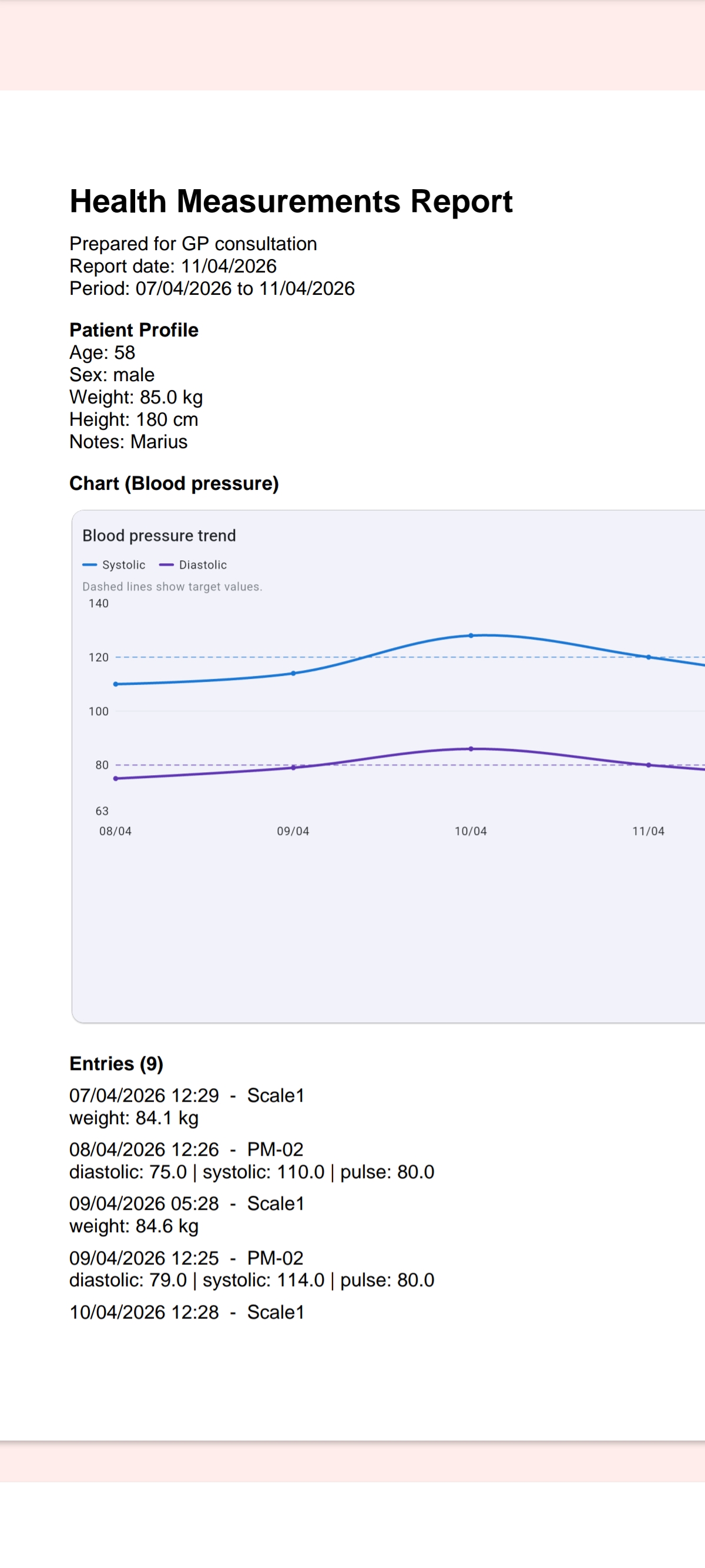
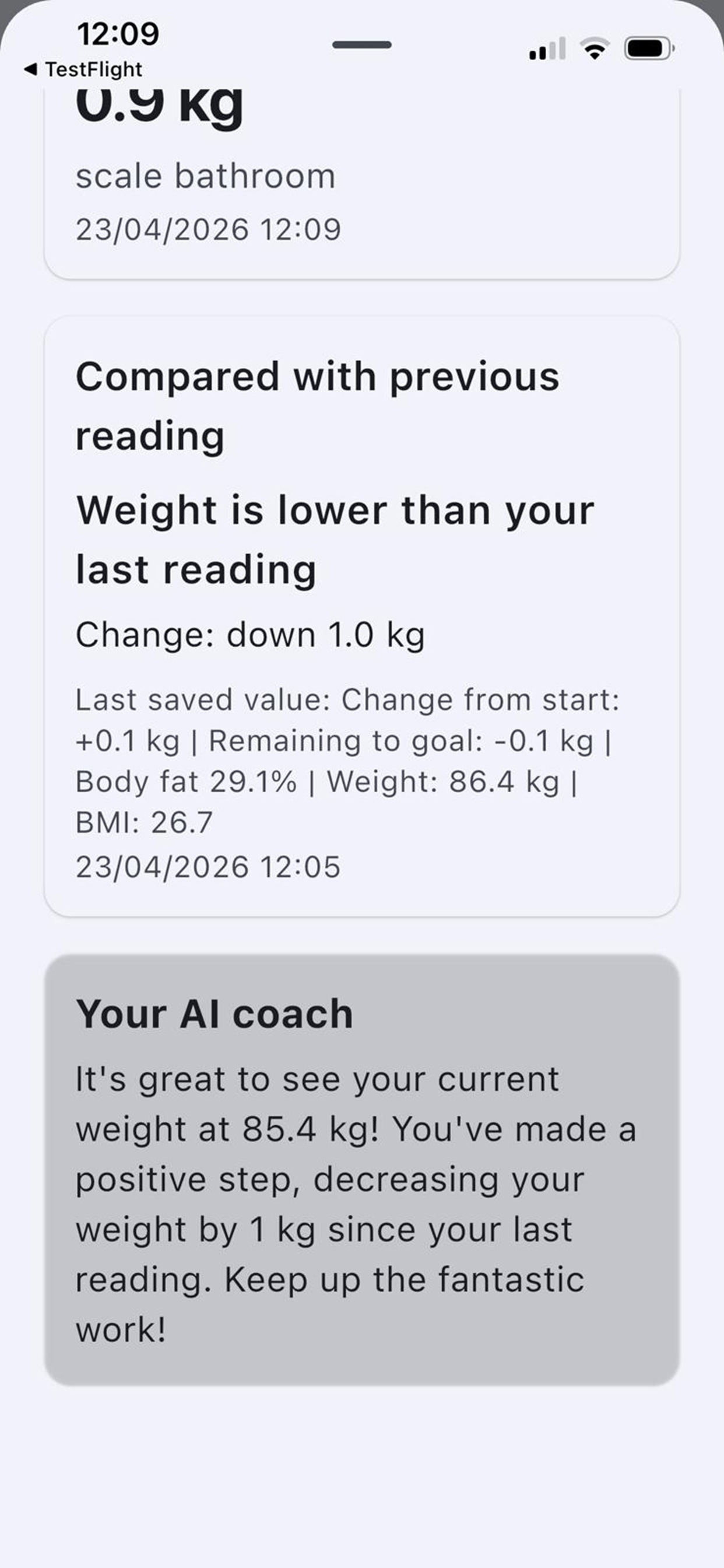
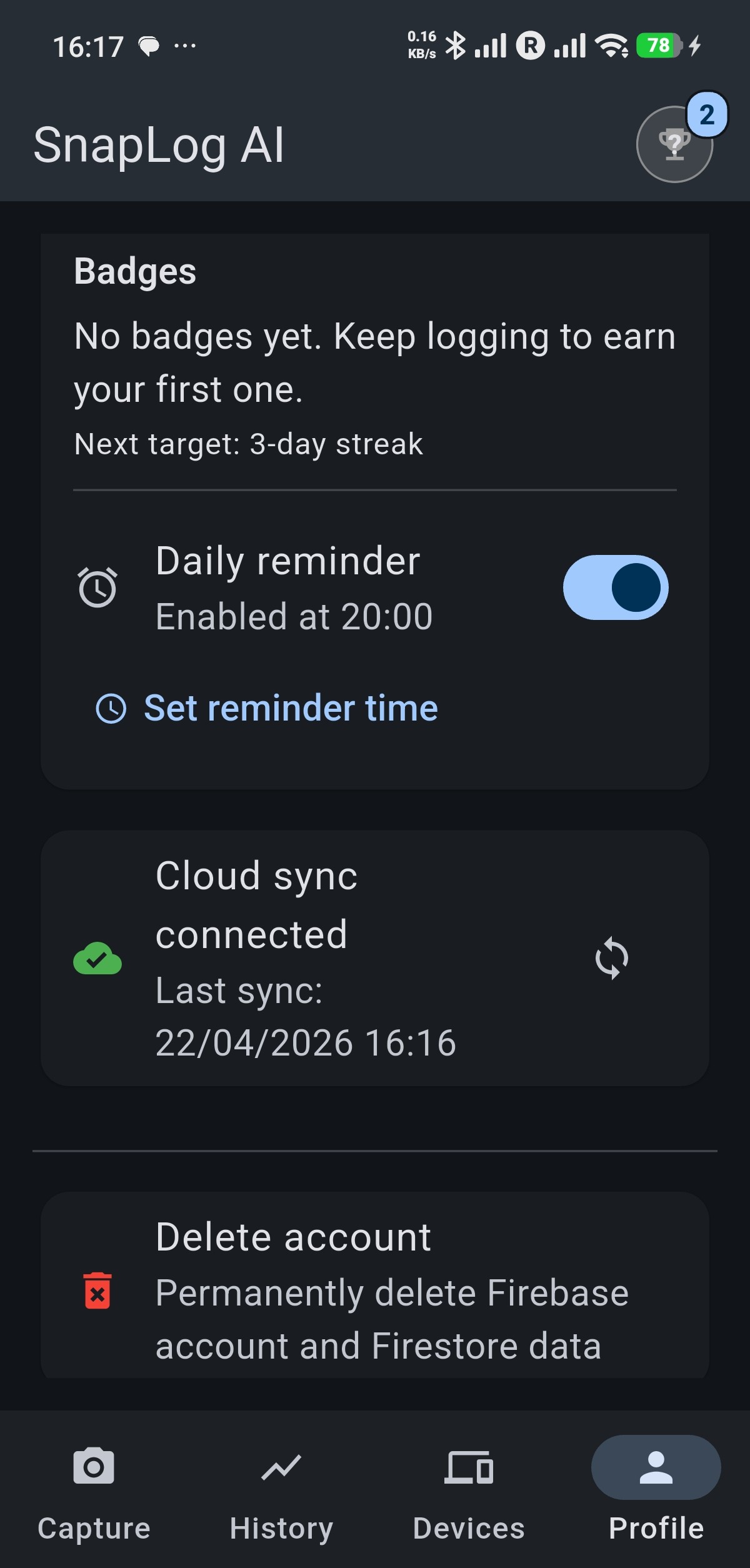
How it works
Three steps from photo to log.
Snap
Take a photo of your device screen when it shows the reading you want to save.
Review
Check the values the app detected and confirm or adjust before saving.
Track
Build your log over time, browse history, and spot trends—always for personal use.